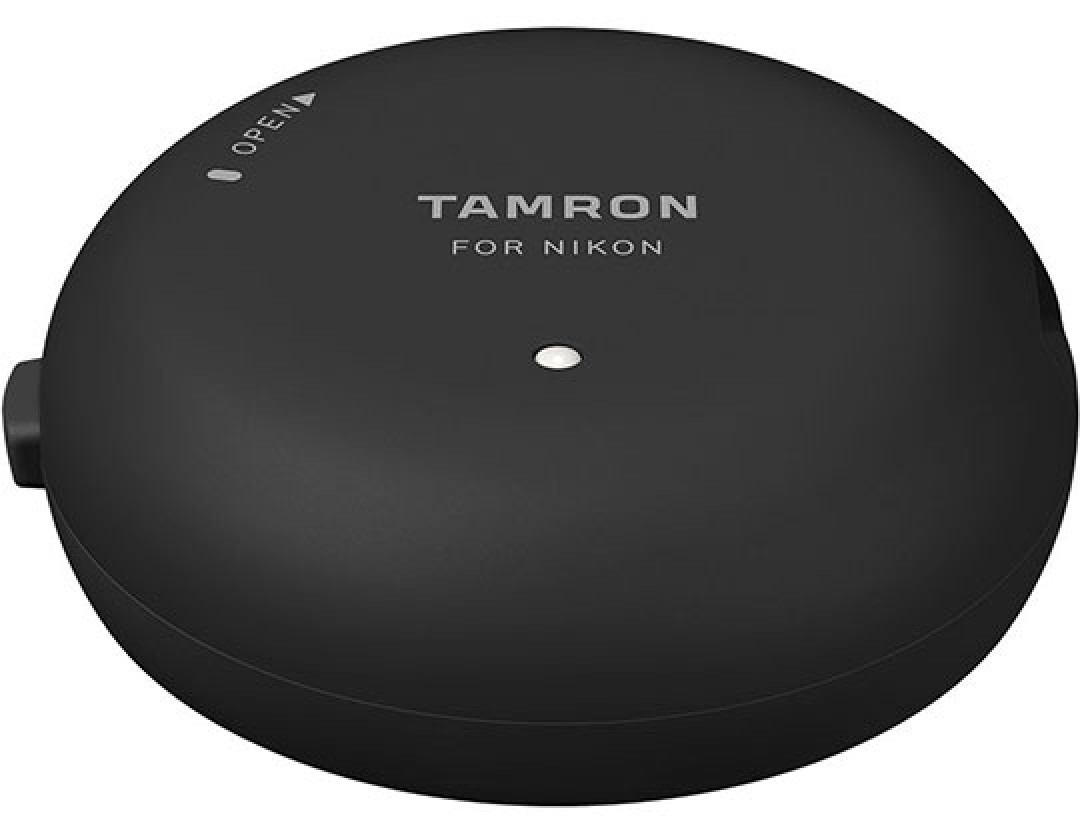
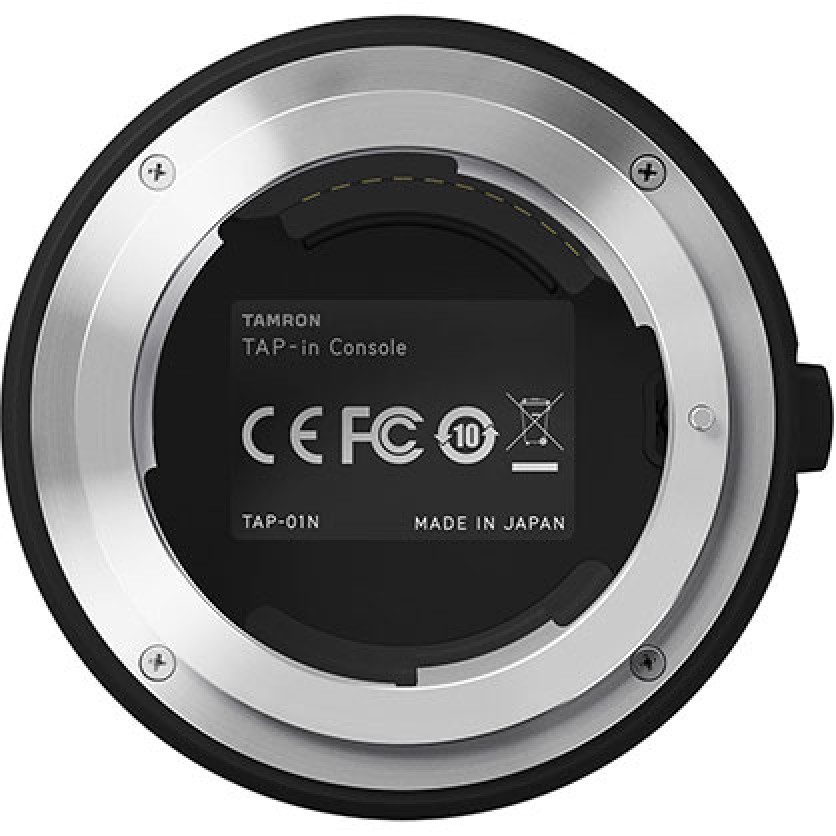
Enhance and personalise your Nikon F-mount Tamron lenses with this console, allowing firmware updates and performance customisation. Adjust focus settings, focus distance limiter, and Vibration Compensation to suit specific needs. The console connects via USB and works with the free TAP-in Utility software on Mac or PC for easy control. Ensure your lenses operate at their best with up-to-date firmware and tailored settings for optimal shooting experiences.
Features
Enhanced Lens Performance
The Tamron Tap-In Console allows users to update lens firmware and fine-tune settings for select Nikon F-mount Tamron lenses, ensuring optimal performance and personalised control.
Customisation Options
Users can adjust focus settings across 24 regions, set focus distance limits, choose between three vibration compensation modes, and customise full-time manual focus override, all tailored to suit specific shooting requirements.
Easy Firmware Updates
Keep your lens firmware up-to-date easily by accessing a dedicated website, ensuring your equipment remains current and functional.
Intuitive Software
The free TAP-in Utility software for Mac and PC provides a user-friendly interface for managing the console's customisation options, requiring minimal system resources for operation.



 In Stock
In our warehouse
Available for home delivery
Out of stock
In Stock
In our warehouse
Available for home delivery
Out of stock