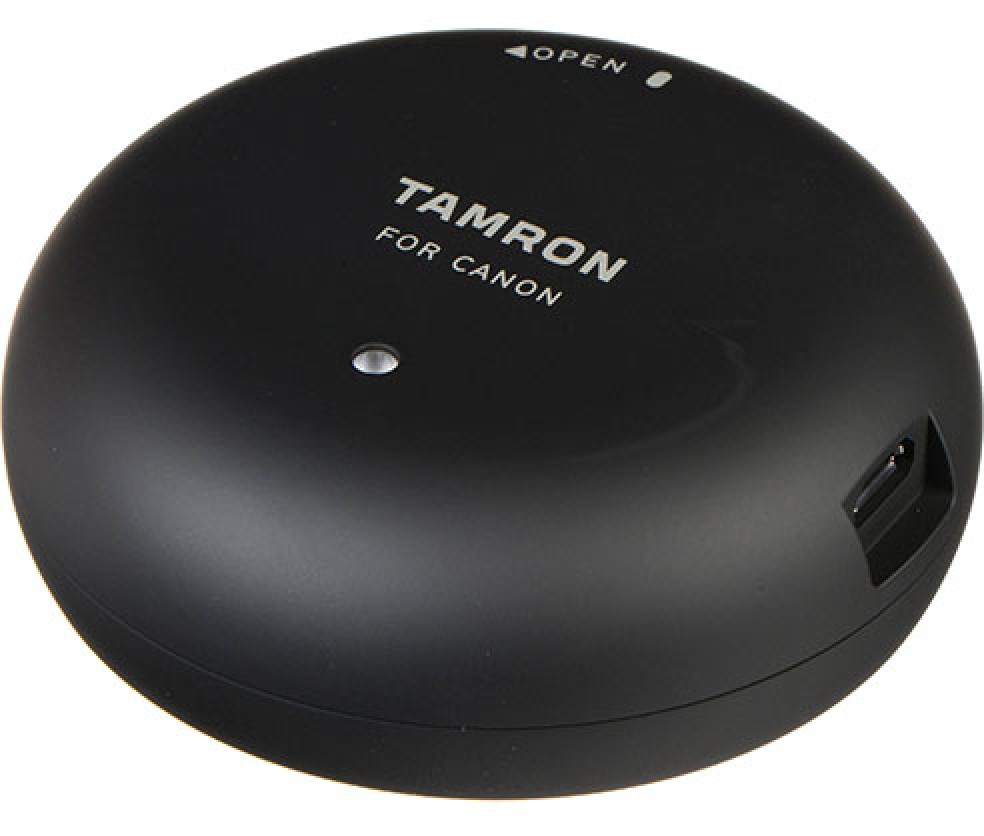
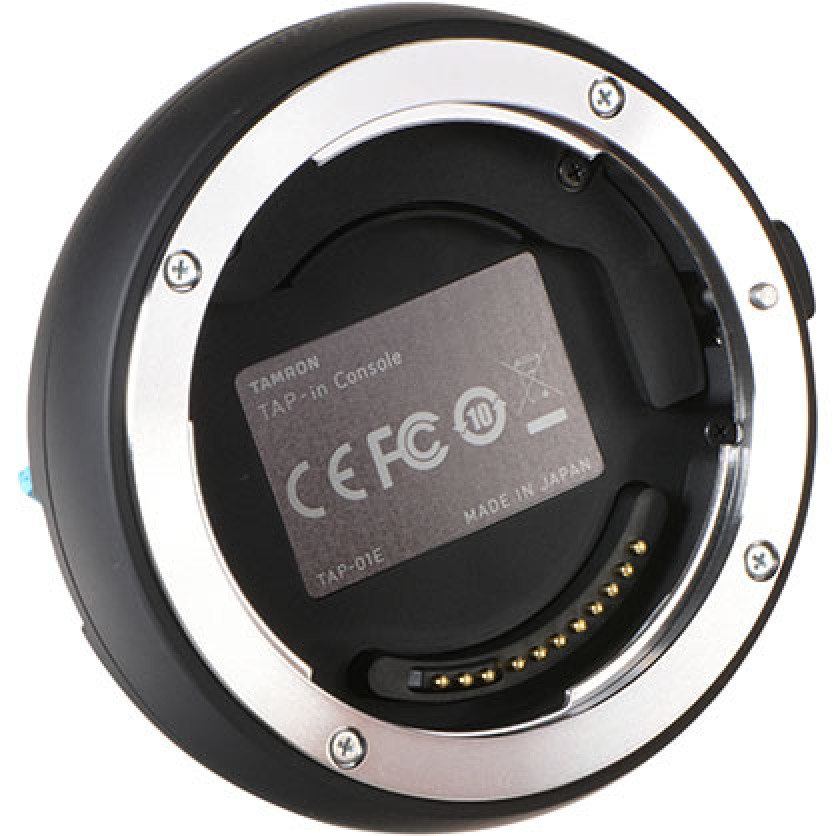
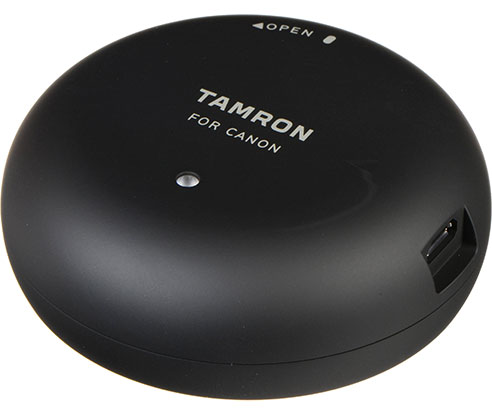
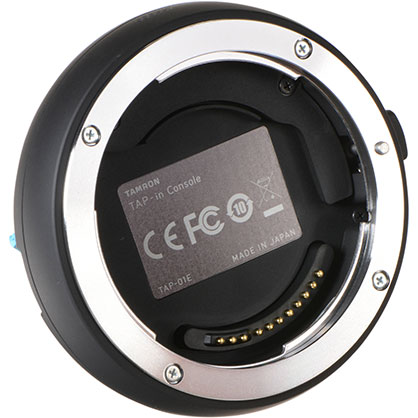
The Tap-In Console offers photographers enhanced control and personalization over their Canon EF-mount Tamron lenses. It enables easy firmware updates and customization of focus, vibration compensation, and manual focus settings via an intuitive app. This ensures lenses perform optimally and meet specific shooting needs. Compatible with select lenses, it addresses focusing issues and keeps firmware current, enhancing the overall shooting experience.
Features
Update Lens Firmware and Adjust Settings
Enhance and personalise your lens performance with the ability to update firmware and adjust settings.
Customization Options
Fine-tune focus across 24 adjustable regions to address front- or back-focus issues.



 In Stock
In our warehouse
Available for home delivery
Out of stock
In Stock
In our warehouse
Available for home delivery
Out of stock